Problem of practice
“Hardware parts and how they work together are hard to grasp from flat diagrams, and learners need to see and handle the parts to understand them.”
Learning goal
Learners will be able to identify the main parts of a mechanical keyboard switch and explain how pressing a key closes the circuit and registers a keypress.
What it does
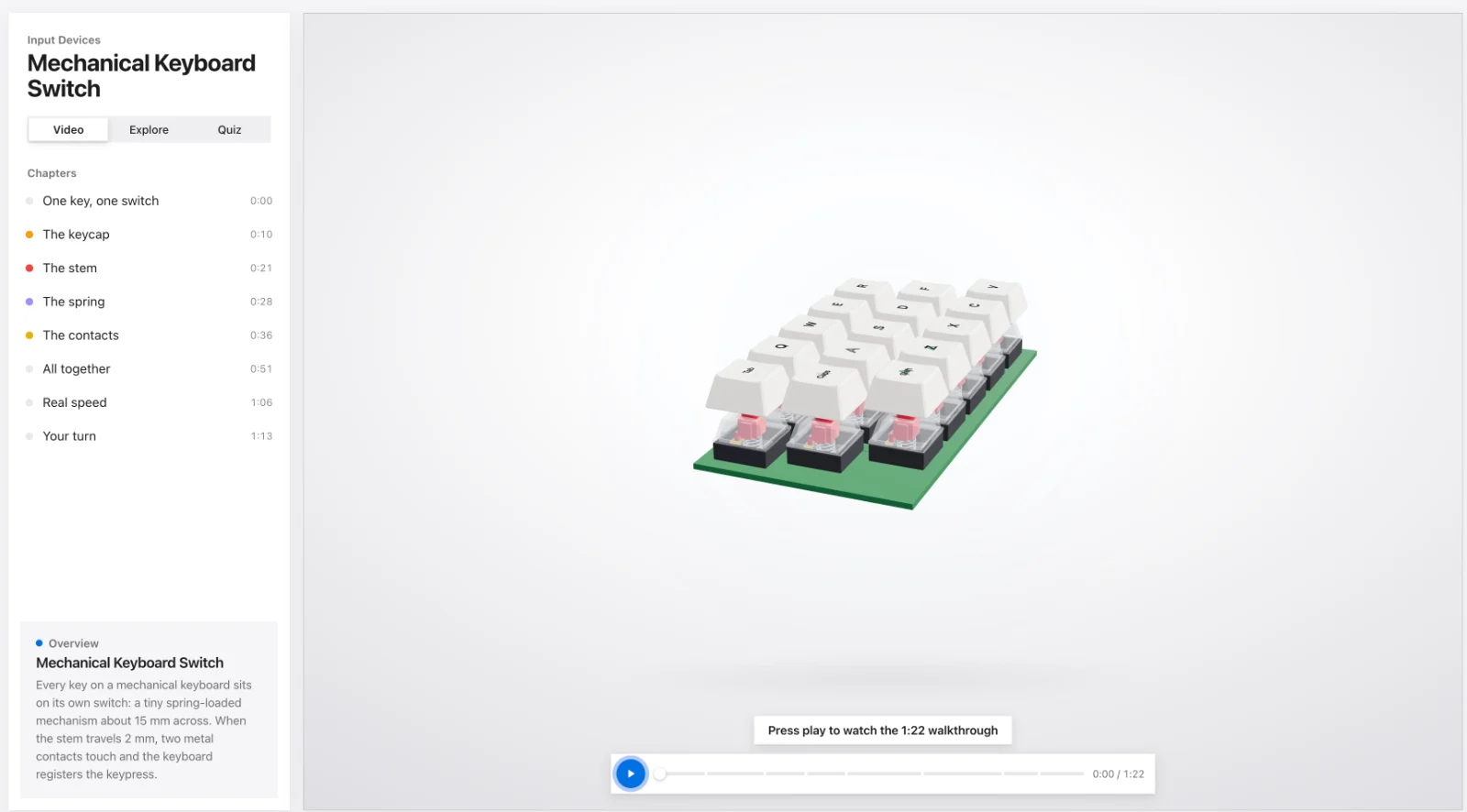
Learners rotate and zoom a 3D model of a mechanical keyboard switch, click each part to see what it does, and switch between assembled and exploded views. A narrated video walkthrough and a "press the key" animation show how a keypress closes the circuit at 2 mm of travel. A short click-the-part quiz checks what they learned.
- Rotatable, zoomable 3D model with an assembled and exploded view
- Click any part, on the model or in a list, to isolate it and read what it does
- Press-the-key animation with a live travel readout and force gauge showing where the contacts close
- Narrated video walkthrough, then a click-the-part quiz with hints and review